


Create Customizable PANCE/PANRE® Notes with My Notebook
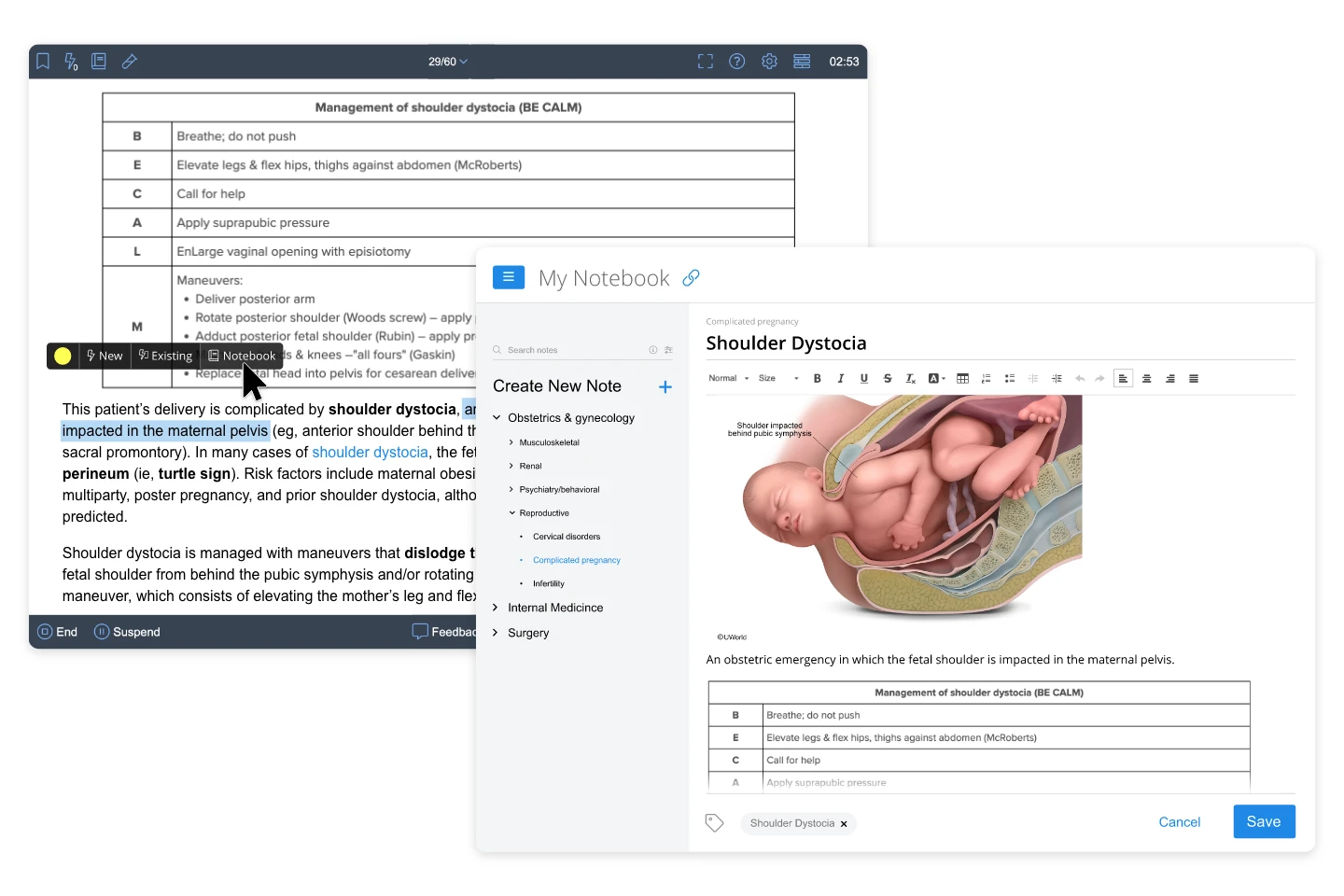
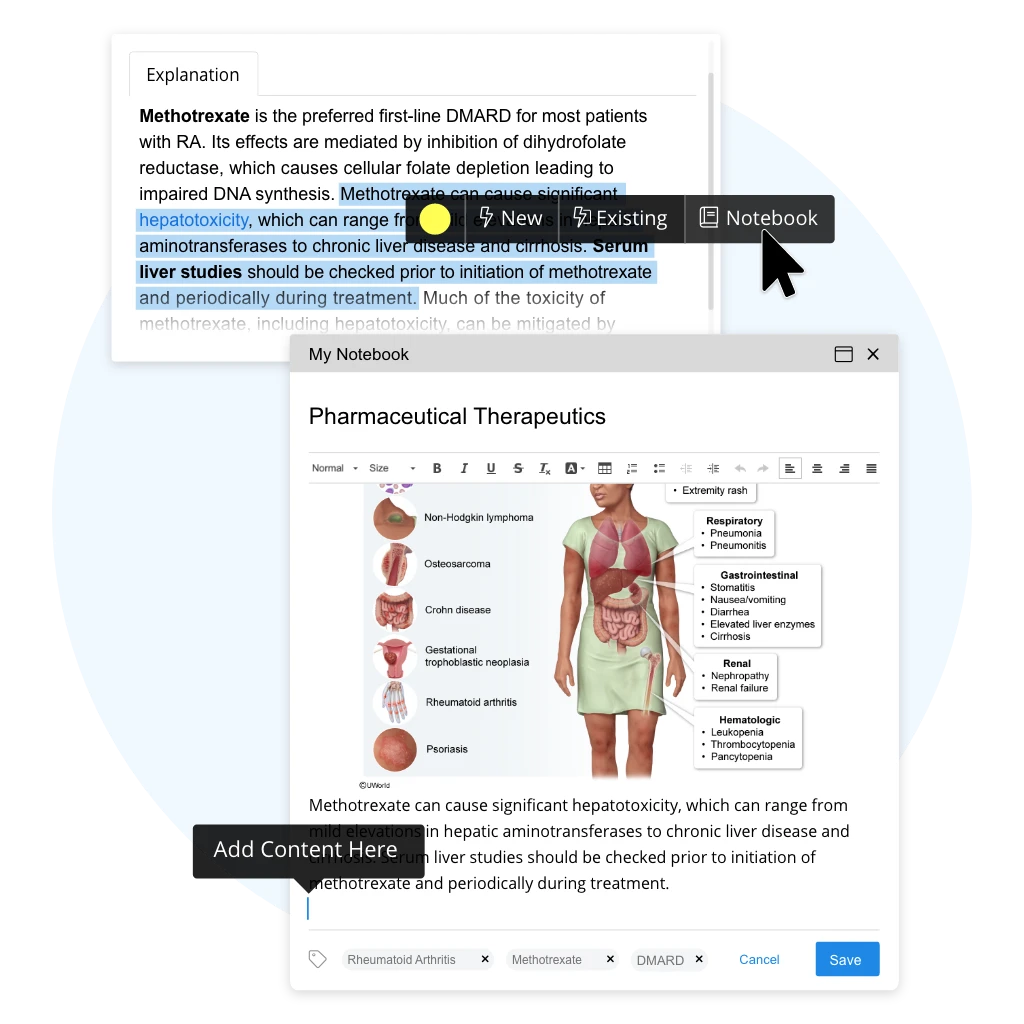
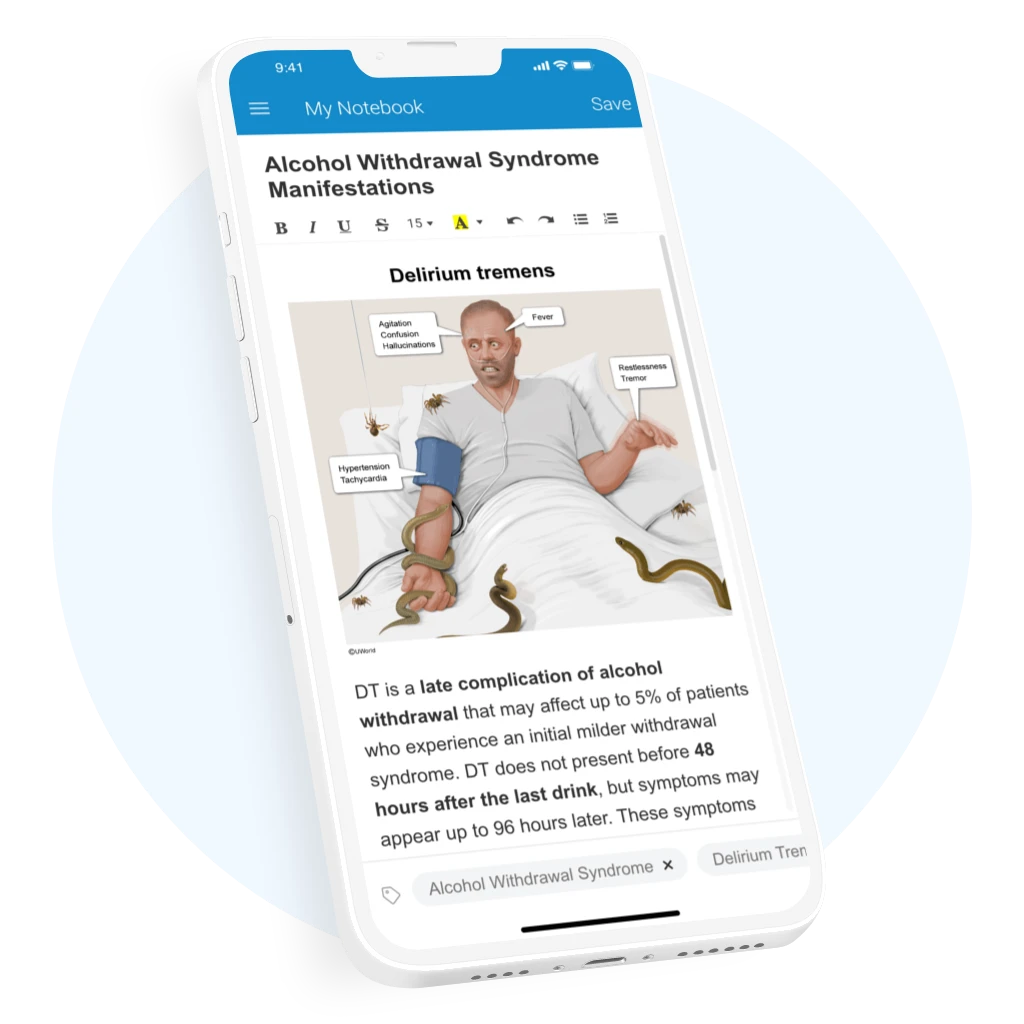
Effortlessly compile PANCE and PANRE® study material into My Notebook. This note-taking feature allows you to create a customizable, digital notebook where you can take notes and add QBank content for future, personalized study of the high-yield concepts you find the most challenging.
My Notebook Features & Benefits
Access all of your PA notes in one place, organized and customized by you.
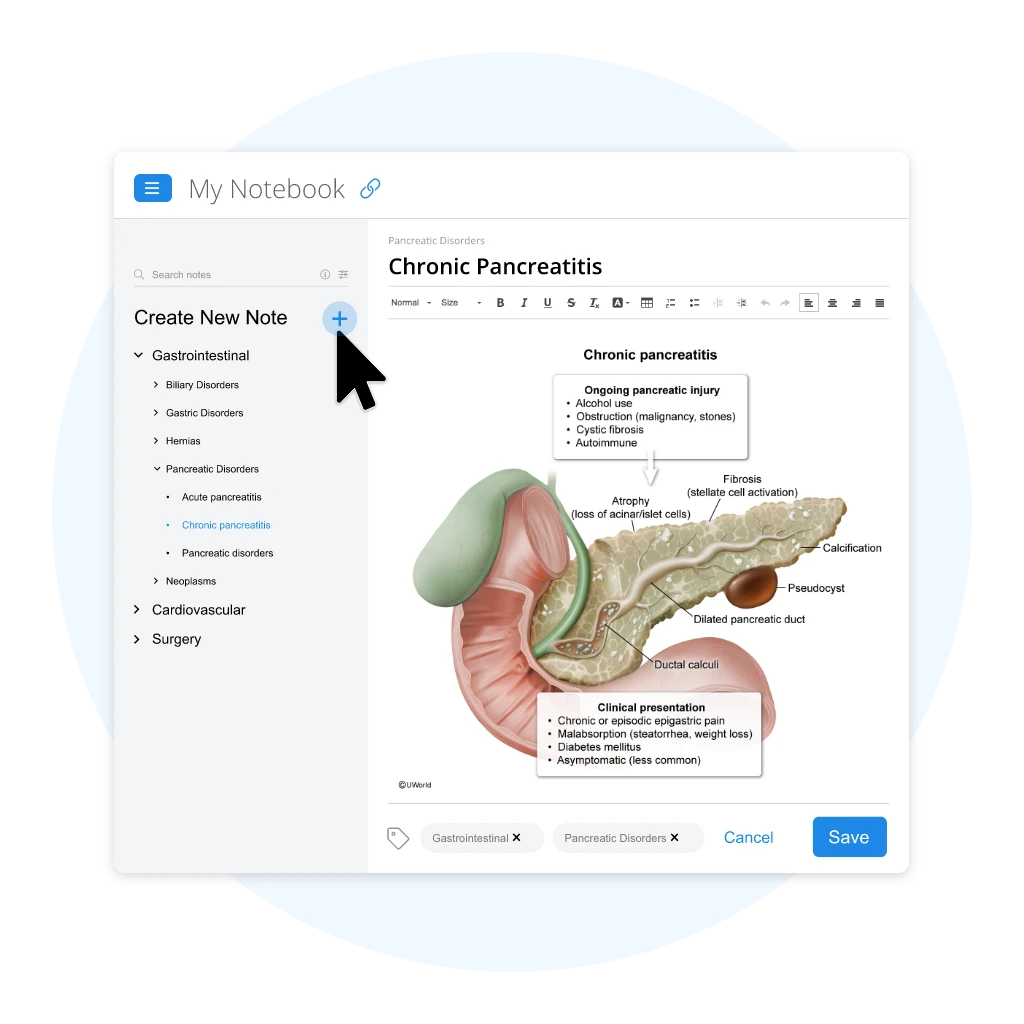
Create Unlimited Notes
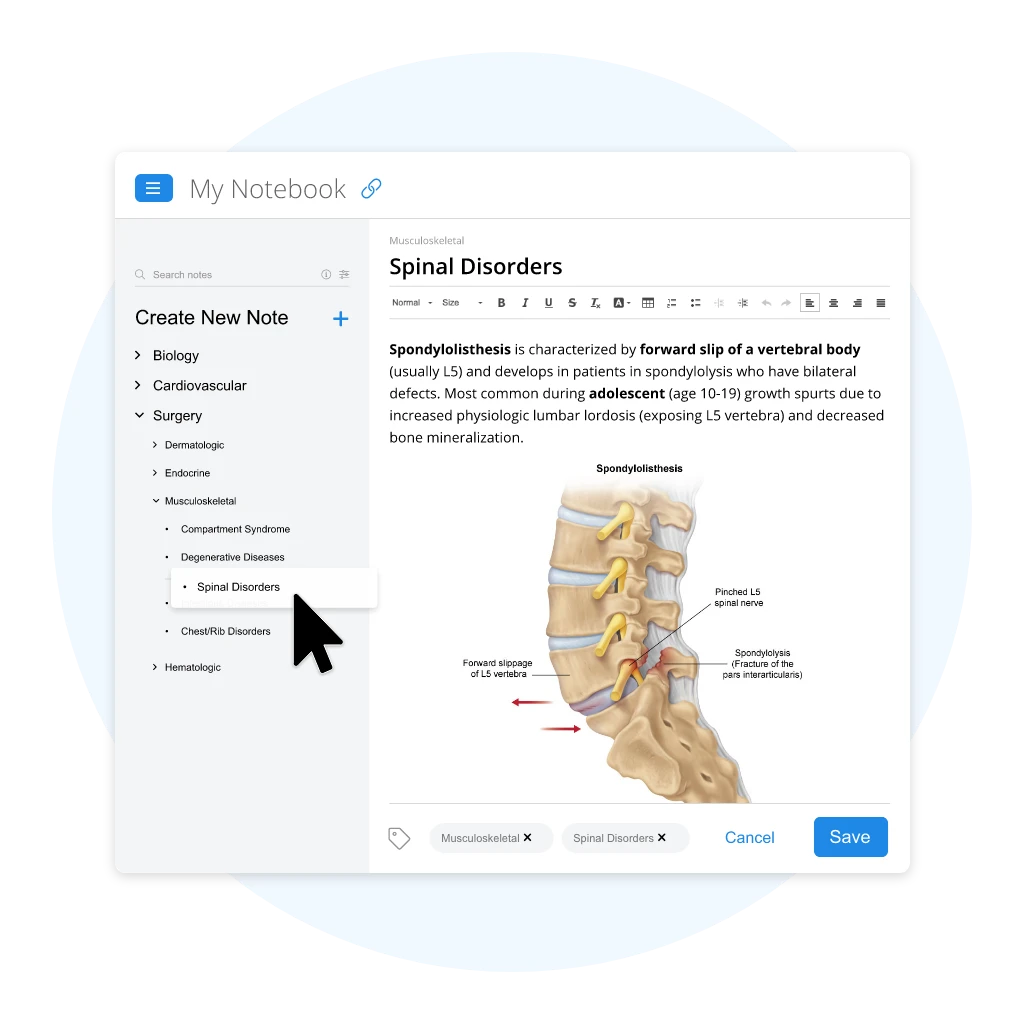
Find Content With Enhanced Search
Personalize Notebook Pages
Pass All Your PA Exams with our UWorld PA QBank
The UWorld PA QBank offers a free seven-day trial complete with 60 questions. This is an ideal opportunity to take advantage
of free PANCE-like questions while becoming acquainted with popular features like My Notebook. Sign up today to
experience the UWorld difference for yourself!
How to Maximize Your Notes With the UWorld PA QBank
PA students who take notes during their content review do better on their exams because of increased retention. The same concept applies to My Notebook. As you complete UWorld PA practice questions, active note-taking can help reinforce challenging exam concepts and prepare you for all your PA exams.
Treat UWorld Material Like Lecture Outlines
Include Diagrams
Customize Your Notes
Organize and Categorize Your Entries
Treat UWorld Material Like Lecture Outlines
Our PA practice questions should be used as a starting point to create your digital notebook. Just like taking notes in class, rewrite the content in your own words and add annotations to reinforce concepts and engage in active learning. This approach encourages you to think through the concepts being discussed.
Include Diagrams
Incorporating our detailed medical illustrations, ECGs, and clinical images into My Notebook can help you understand challenging clinical topics featured on your PA exams. They illustrate difficult concepts and serve to clarify the associated text, making the study process easier and more effective.
Customize Your Notes
For customized study sessions that you can review anywhere and anytime, you can easily transfer content from our PA Bank by simply copying the content of your choice in My Notebook. You can review more challenging content whenever you choose simply by searching your notes by the custom tags you create.
Organize and Categorize Your Entries
Choose the topics you wish to study more by organizing notes by category. When you are ready to study, you can browse notes by custom tabs or topic search tags.
PA Success Stories

This Qbank has been amazing! The questions are difficult, but they provide meaningful feedback for correct vs. incorrect answer choices. I am challenged to think critically, which is essential for passing the PANCE and for becoming a good future clinician.”
I love this interface. Very easy to navigate and does not precipitate burn out! ”
I love how images pop up when I click on certain keywords/ buzzwords that I have trouble understanding. Thank you! I wish I knew about UWorld during my didactic year.”
Frequently Asked Questions
How does UWorld help students succeed on the PANCE and PANRE?
To customize your study sessions, use My Notebook to organize content by subject, system, and category. Use performance metrics to track your success by subject, and review your notes by subject and category to strengthen areas of weakness.
Who writes the UWorld PANCE and PANRE questions and explanations?
UWorld’s PA content is written, reviewed, and updated by practicing PAs with extensive clinical experience. All of the scenarios found in the PA QBank are scenarios you’ll find in clinical practice and on the PANCE/PANRE.
Is the UWorld PA My Notebook feature available on mobile?
My Notebook is available on the UWorld PA Prep App, which includes access to the UWorld PA QBank and all of the PANCE and PANRE exam sample questions.